 People
Never blank on a name again
Starting a new job, a new rotation, or a new church? Meeting your partner’s whole family? Write down who you met the way you’d tell a friend, and People Plaza keeps it all straight.
Sign in with Google. Your plaza is private to you and the people you invite.
How it works
Four steps, most of them a tap.
- Tell it who you met“Met Asha, the ICU attending, her husband Raj is a pharmacist.” Claude sorts out the names, places, and families, and you approve before anything is saved.
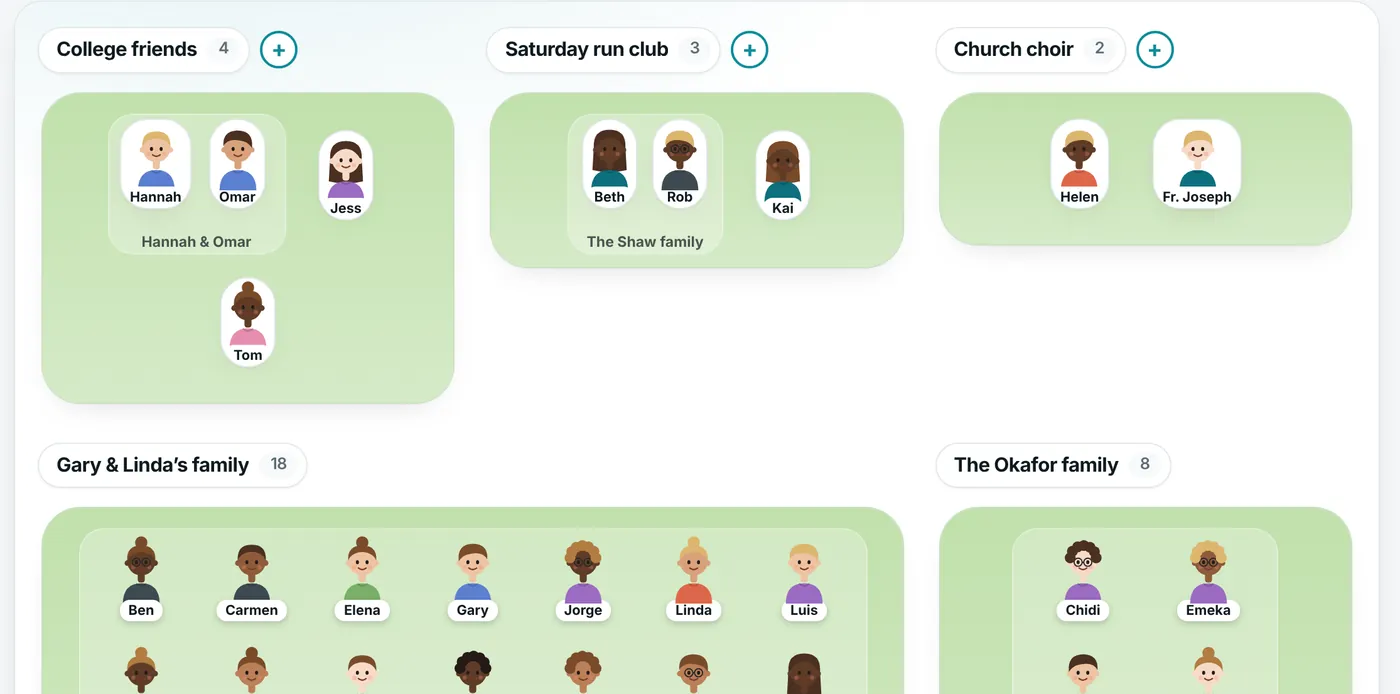
- See everyone at a glanceFriendly avatars on islands for each family and circle, with name tags so you can scan a room.
- Search the way you rememberType “Christopher’s sister,” “the nurse from the ICU,” or just a first name.
- Get a nudgeUpcoming birthdays show right on the plaza.
Remember where you know people from
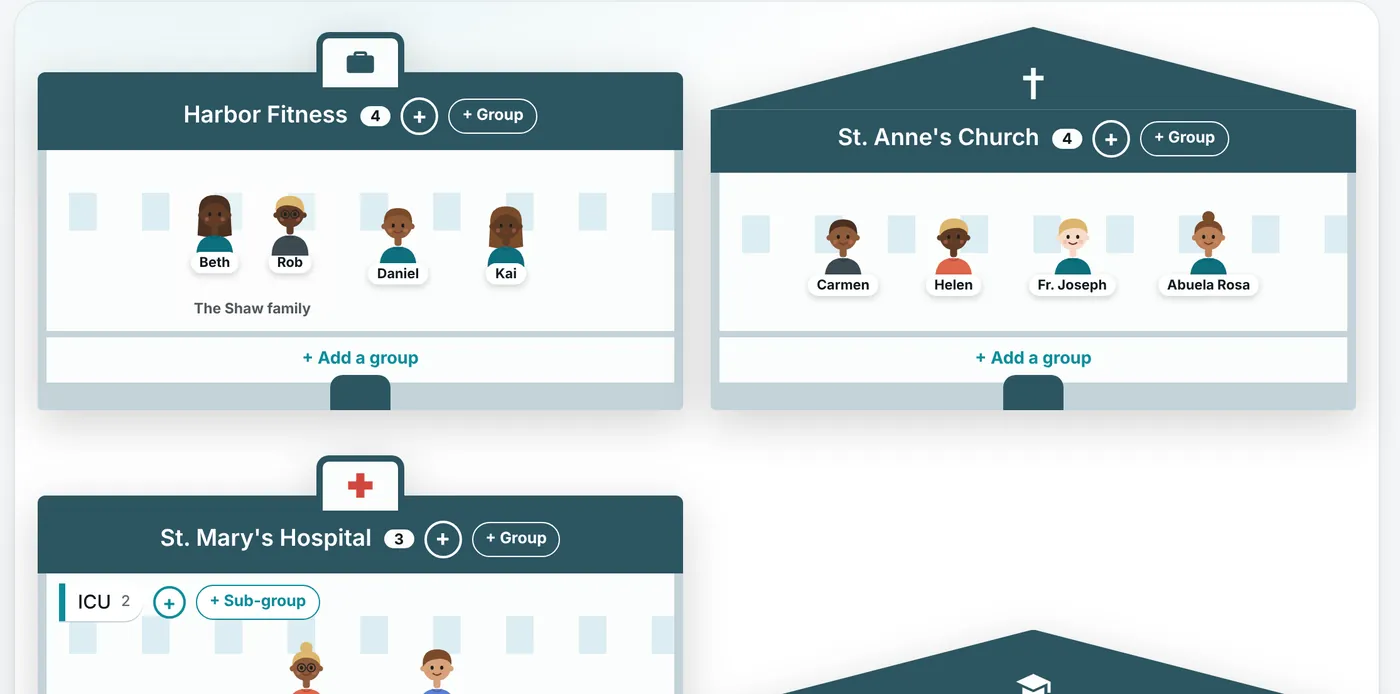
Hospitals, schools, churches, and workplaces appear as buildings, with a floor for every department or group.
- Great for rotations and new jobs: ICU, Emergency, front desk.
- Mark someone as visiting a place they don’t belong to.
- Notes that mention a place suggest who to add to it.
Questions
Is my plaza private?
Yes. Only you and the people you invite can see it, and nothing in it is sold or shared.
Do I have to type everything in by hand?
No. Write a few sentences about who you met and Claude drafts the people, relationships, and places for you to approve.
Can a whole team share one?
Yes. A Community is a shared plaza for a rotation, workplace, or team, and new people join with a link.
Is it free?
Yes. It’s supported by quiet picture ads that never play sound or cover what you’re using.
Ready when you are
Free, private, and it takes a minute to start.